Start by resetting power, checking door latches, settings, and testing with water; avoid internal repairs.
If your microwave runs but food stays cold, you are not alone. I have helped many homeowners land a clean, safe microwave not heating fix with quick checks, plain tools, and smart decisions. In this guide, I will show you the real causes, safe steps you can try, and when to call a pro. By the end, you will know how to handle a microwave not heating fix with calm and confidence.
Source: thecuriousstones.com
How a microwave makes heat, in simple terms
A microwave makes heat by turning electrical energy into microwaves. The magnetron creates the waves. A high‑voltage system feeds it: transformer or inverter, capacitor, and diode. The control board and door switches tell it when to run. The waveguide moves the energy to the food. The turntable helps cook it even.
If the light and fan run but food is cold, the high‑voltage side may be down. That often points to a diode, capacitor, magnetron, or inverter fault. If it stops when you touch the door, the door switch may be bad. If you see sparks near a brown, greasy square inside, the waveguide cover may be burnt.
I have seen all of these in homes and in the shop. The pattern matters. The sound, smell, and timing help you pick the right microwave not heating fix without guesswork.
Source: youtube.com
Quick safety rules before you try a microwave not heating fix
- Unplug first. Do not rely on the door switch.
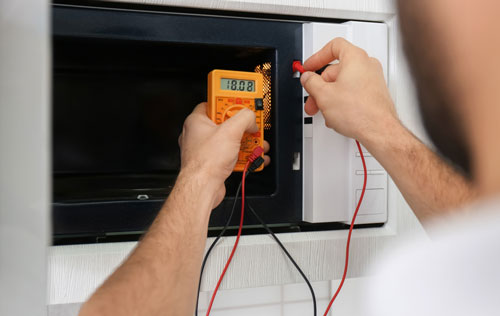
- Never open the cabinet. The capacitor can hold a lethal charge even when unplugged.
- If you smell a burn, see smoke, or hear loud buzzing, stop at once.
- Only do outside checks: power, settings, cookware, cleaning, vents, and door fit.
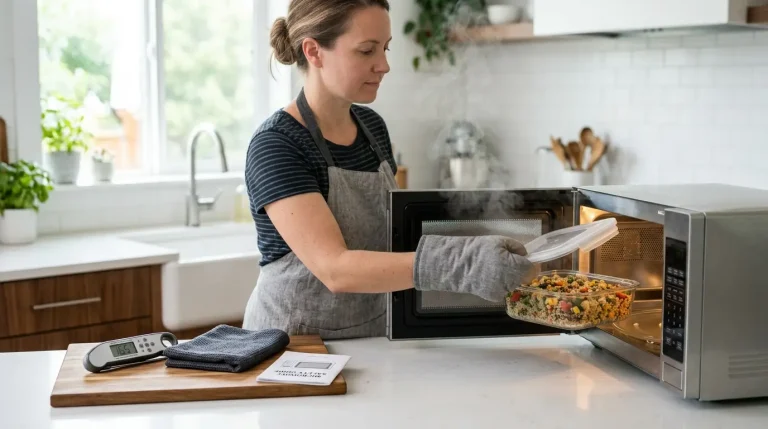
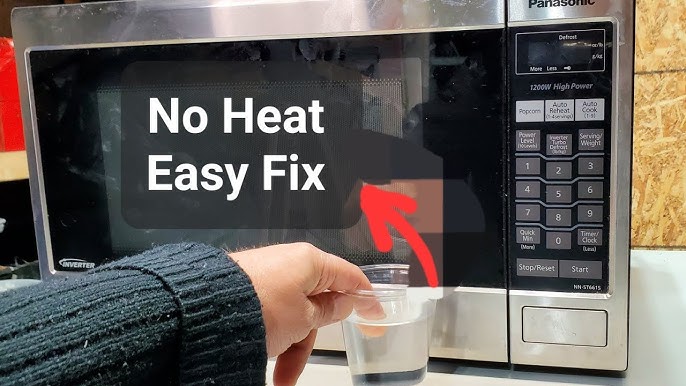
- If you must test heat, use a cup of water. Never run the oven empty.
These rules are not optional. Microwaves are safe to use. They are not safe to service inside unless you are trained.
Source: sickappliances.com
Step-by-step microwave not heating fix checklist
Work from simple to deeper checks. Most no‑heat calls end in one of these early steps.
- Confirm power and outlet
- Plug a lamp or toaster into the same outlet. Make sure it is live.
- If on a GFCI or AFCI, press reset. Check the breaker.
- For countertop units, use a surge protector only if it is heavy‑duty and rated for the wattage.
- Do a hard reset
- Unplug the microwave for 5 minutes. Plug it back in.
- This clears glitches in the control board or inverter logic.
- Check settings
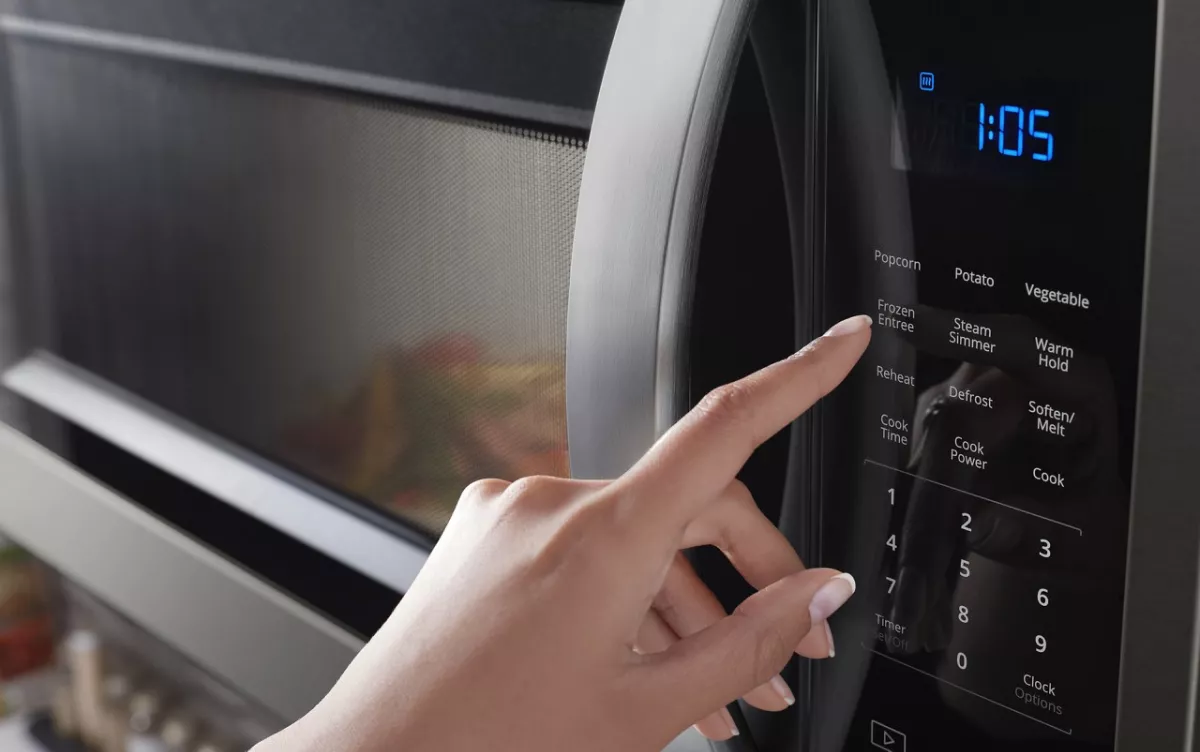
- Make sure you used Cook, not Timer. Timer runs with no heat.
- Set Power Level to 100%. Many people leave it at 20–50% by mistake.
- Look for Demo mode. It runs lights and turntable but makes no heat. Turn it off in the options menu.
- Test with the right cookware
- Use a microwave‑safe glass cup with 1 cup of water.
- Heat for 1 minute at 100%. The water should be hot or boiling warm.
- If the turntable is off, turn it on and repeat.
- Inspect door and latches
– The door must close with a solid click. Clean the latch area and strike plate.
- Look for sag on the hinges. Do not bend the latch. If loose, call a pro.
- Clean interior and waveguide cover
- Unplug. Wipe grease and food splatter from walls and ceiling.
- Check the small cover on the side wall. If burnt, cracked, or greasy, replace it with the exact part. This can stop arcing and restore heat in mild cases.
- Clear vents and allow cooling
- Make sure top, side, and rear vents are open.
- After heavy use, let the unit cool for 10 minutes. Some models will cut heat when hot.
- Watch and listen
- Runs quiet but no heat: often diode, capacitor, or magnetron.
- Loud hum that grows: often diode shorting or magnetron failing.
- Heat for a few seconds, then cold: door switch, thermal cutout, inverter trip, or control relay.
- Decide next move
- If the unit passes steps above but still no heat, the fault is likely inside.
- At this point, the safe microwave not heating fix is to call a qualified tech.
- Note the model number and symptoms. This speeds the repair and can save money.
From my case log: one in three “dead heat” calls were Demo mode or low power level. Another large share were door latch issues due to sticky splatter. Easy wins come from simple checks. Try them first.

Source: youtube.com
Common part failures and when to call a pro
Some faults are common. Know the signs and the safe next step.
- Door switches
- Clues: Heat cuts in and out when you nudge the door. The oven may run with no heat or stop mid‑cycle.
- Fix: Pro service. Switch alignment and testing are inside the cabinet.
- High‑voltage diode
- Clues: Loud buzz, then no heat. Or it runs cold with a faint hum.
- Fix: Pro service. The diode sits on the high‑voltage side.
- Capacitor
- Clues: Pop sound, burned smell, or tripped breaker, then no heat.
- Fix: Pro service only. The capacitor can hold a charge and is dangerous.
- Magnetron
- Clues: Runs but cold, sometimes with a stronger hum. Heat may fade over time.
- Fix: Pro service. Part cost can be moderate, but labor adds up.
- Inverter board (inverter models like many Panasonic)
- Clues: No heat at low power, error codes like H97/H98/H99, or total no heat.
- Fix: Pro service. Board repair or replacement is common.
- Control board or relay
- Clues: Intermittent heat, random resets, or power level stuck.
- Fix: Pro diagnosis. Could be a low‑voltage issue or a bad relay.
- Thermal fuse or thermostat
- Clues: Unit runs then stops heating after seconds, or stays off after a hot run.
- Fix: Find and fix the cause of overheating. Have a pro replace the part.
- Waveguide cover
- Clues: Arcing or sparks near a stained cover. Food splatter often causes it.
- Fix: Unplug. Clean or replace the cover with an exact match from the brand.
Cost hints from jobs I have handled in the US:
- Service call and diagnosis: 80–150 dollars.
- Common parts: diode 15–40 dollars, magnetron 60–150 dollars, inverter board 120–250 dollars, labor 100–200 dollars.
- Over‑the‑range units can cost more due to removal and rehang.
When is a repair smart? If the unit is under 5 years old, clean, and mid to high end, a microwave not heating fix is often worth it. If it is older than 8–10 years, or a low‑cost countertop model, replacement may be the better move.
Source: whirlpool.com
Brand-specific notes for a microwave not heating fix
- Panasonic
- Many use inverter tech. No heat with H97/H98/H99 often points to the inverter or magnetron. Do a hard reset first.
- GE and Whirlpool
- Demo mode shows up often in new installs and showrooms. Turn off demo in settings.
- Samsung and LG
- Door switch alignment issues are common after a door slam. Clean and check close fit. Pro service for switch replacement.
- Sharp
- Waveguide cover stains can cause arcing. Clean with mild soap and replace if burned.
- Built‑ins and drawer units
- Repairs take longer due to removal. Plan for higher labor.
Always check the user manual for model‑specific steps. Many brands publish service bulletins that match your symptoms. That can speed a microwave not heating fix and lower the bill.

Source: youtube.com
Cost, timelines, and repair vs. replace
- Typical repair timeline
- Diagnosis in 30–60 minutes. Parts in 1–5 days. Many fixes done in one visit if parts are on the truck.
- Warranty tips
- Some brands cover the magnetron for 5–10 years, parts only. Labor may not be covered.
- Replace vs repair
- Countertop microwaves cost 100–300 dollars new. Over‑the‑range cost 250–600 dollars. Built‑ins can run 700 dollars and up.
- If repair is more than half the price of a new unit, consider replacement.
Use total cost of ownership. If the cabinet is clean, the venting is good, and the unit fits your space, a smart microwave not heating fix can stretch its life for years.

Source: partselect.com
Preventive care to avoid another microwave not heating fix
- Keep it clean
- Wipe spills right away. Grease on the waveguide cover can arc and block heat.
- Use only microwave‑safe items
- No metal trim, no twist ties, and no cookware with hidden foil.
- Do not run empty
- Always heat food or a cup of water. Running empty can damage the magnetron.
- Treat the door with care
- Do not slam it. Keep the latch area clean so switches engage.
- Let it breathe
- Keep vents clear. Leave space around a countertop unit. For over‑the‑range, check filters.
- Give it a rest
- After long cooks, let it cool for 5–10 minutes.
- Protect the power
- A quality surge protector can help a countertop unit. For built‑ins, talk to an electrician.
These small habits prevent many service calls. They also keep a microwave not heating fix simple if a problem comes back.

Source: youtube.com
Frequently Asked Questions
Why does my microwave run but not heat?
This often points to a high‑voltage issue, a bad magnetron, or a door switch fault. Rule out simple causes first: power level, demo mode, and cookware.
Is it worth fixing a microwave that’s not heating?
If the unit is newer, built‑in, or high end, repair often makes sense. For older or low‑cost countertop units, replacement can be cheaper.
Can I replace a magnetron myself?
No. The high‑voltage parts can store lethal energy even when unplugged. Hire a trained tech for any internal repair.
What is demo mode, and can it stop heating?
Yes. Demo mode runs lights and the turntable without heat for store demos. Turn it off in settings or by a key combo in the manual.
Why does my microwave spark near the side wall?
That is usually food splatter or a damaged waveguide cover. Unplug, clean the area, and replace the cover if it is burnt.
My microwave heats for a few seconds, then stops. What now?
It may be overheating or a door switch is dropping out. Clean vents, let it cool, and if the issue remains, call a pro.
How can I test if it’s actually heating?
Heat 1 cup of water on full power for one minute. It should be hot or near boiling; if not, move to the repair steps or call a pro.
Conclusion
A microwave not heating fix starts with a few smart checks: power, settings, cookware, door fit, and a simple water test. Most wins come from these steps, and they take minutes. When the signs point inside, let a pro handle the high‑voltage work.
Take action today. Try the checklist, note your model and symptoms, and choose repair or replace with clarity. If this helped, share your result, drop a question, or subscribe for more easy home fixes.